How Do I Optimize My Resume for ATS?
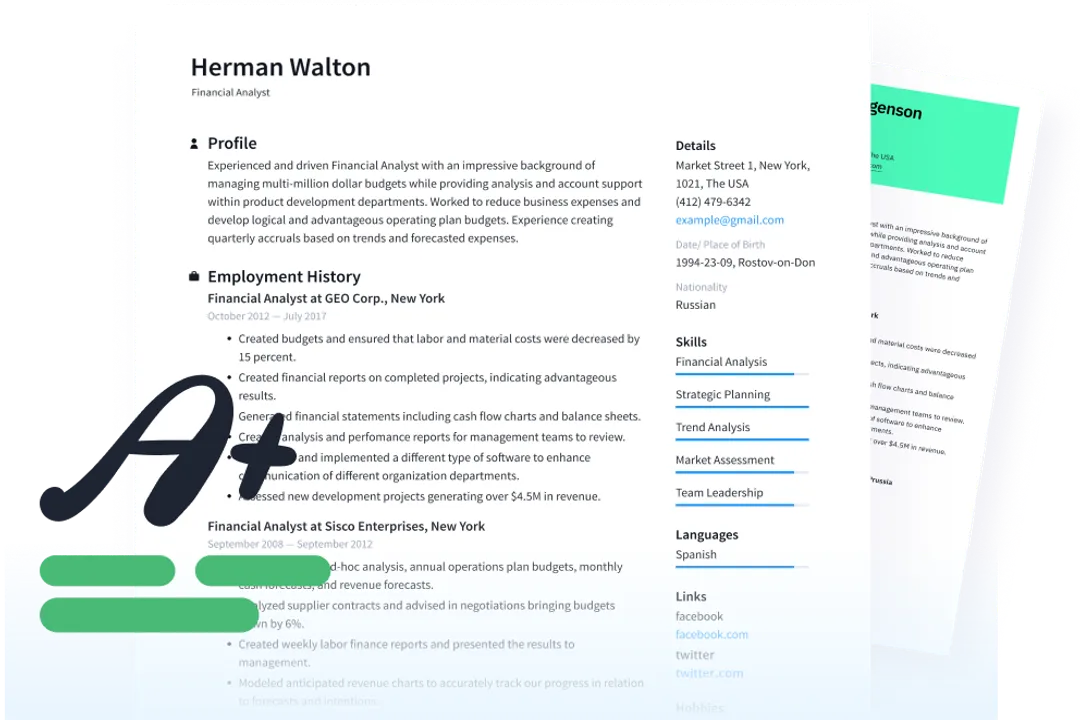
Navigating the world of online job applications means facing an invisible gatekeeper: the Applicant Tracking System, or ATS. While the goal remains impressing a human recruiter, first you must pass the machine’s test. Understanding how these systems read your resume is the difference between having your application considered or being silently filtered out. [4][8] Think of the ATS not as a sophisticated judge, but as a highly literal text-parsing robot designed to rapidly sort massive volumes of documents based on specific criteria. [1][3]
# System Basics

Applicant Tracking Systems are software programs that manage the recruiting and hiring process, often storing candidate data in large databases. [4][8] Their primary function, when receiving a resume submission, is to parse the document—meaning they extract text and organize it into standardized fields like work history, education, and skills. [3] This text extraction is where things often go wrong if your resume is too visually complex. [4] The system assigns a score based on how closely the extracted information and keywords match the job description fed into the system by the hiring manager. [1][6] If the score is too low, a human eyes may never see your carefully crafted document. [5]
# Design Simplicity
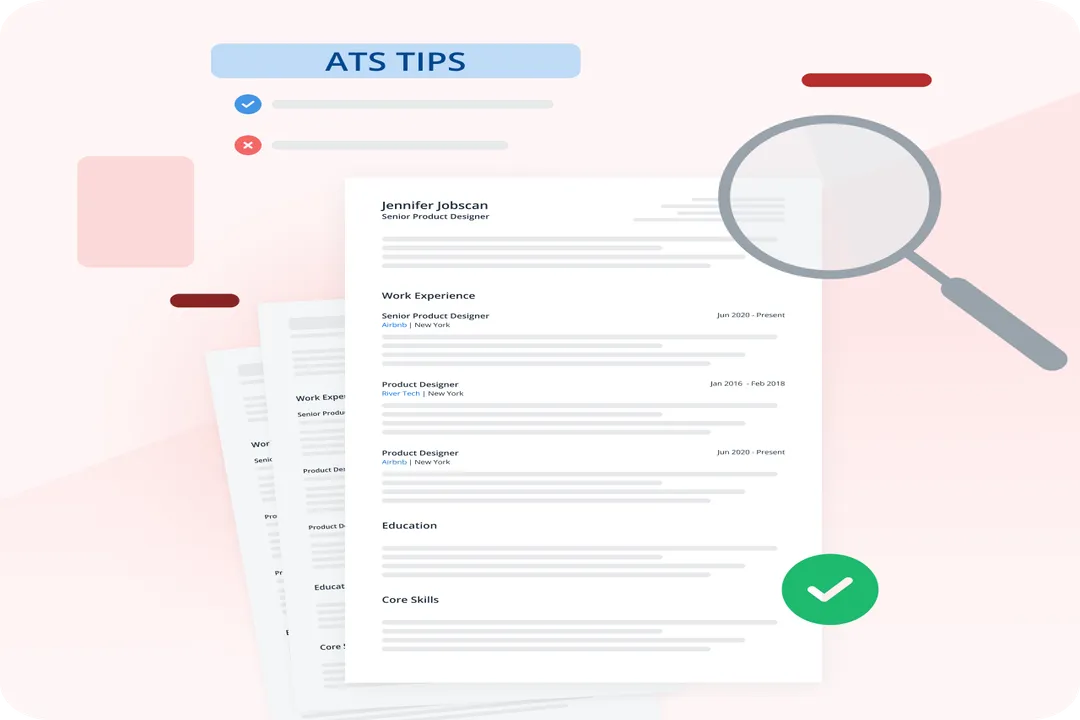
The most critical step in ATS optimization centers on simplicity, often sacrificing modern design trends for functional readability by software. [1][5] The ATS prefers plain text structures above all else. [3]
# Layout Considerations
Avoid layouts that rely on visual separation rather than actual text structure. This means:
- No Columns: While visually appealing, multi-column layouts often confuse the parser, causing it to read text across columns rather than down the intended section, jumbling your work history. [1][5] Keep information flowing linearly down the page. [3]
- Avoid Graphics and Visual Elements: Charts, graphs, images, logos, and even elaborate bullet points can be rendered as unreadable gibberish or ignored entirely by the system. [1][5] Stick to basic text characters for bullets, like circles or hyphens. [6]
- No Text Boxes or Tables: These elements break the linear parsing sequence. [1][5] If you use a table to separate skills or dates, the ATS may read the cells out of order or simply fail to extract the content correctly. [5]
If you want to provide a visually rich version of your resume for interviews or direct email sharing, create one, but always submit the plain-text-optimized version to the online portal. [4] It is often best to use standard formatting elements, such as bolding for job titles, but keep these minimal. [5]
# Standard Headings
Recruiters rely on standardized section headers, and so does the ATS. Using unconventional titles for your sections forces the parsing software to guess where your information belongs, which often leads to miscategorization or omission. [1][5] Stick to common, universally recognized labels:
- Work Experience (or Professional Experience)
- Education
- Skills (or Technical Skills)
- Summary (or Professional Profile)
If you use a title like "Career Highlights" instead of "Summary," the system might fail to recognize it as the introduction section and place that critical information elsewhere or discard it. [5][6]

# Keyword Match
Once the ATS can read your document, its main task is matching the content against the requirements listed in the job posting. This is where keyword optimization comes into play. [1][6]
# Extracting Language
The core strategy here is mirroring the language used in the job description (JD) as closely as possible, especially regarding required skills, software, and certifications. [1][5] If the JD asks for experience with `SQL Databases`, use that exact phrase rather than just `SQL` or `Database Management`. [5]
This doesn't mean simply listing keywords in a "word cloud" at the bottom, which can look forced and may even be flagged by systems looking for keyword stuffing. [1] Instead, integrate these exact terms naturally within your accomplishment statements under your work history. [6] For instance, if the posting requires "Cross-functional team leadership," ensure that phrase appears in context within your description of a previous role, rather than just listing it under a generic skills section. [1]
# Contextual Nuance
While matching specific terms is essential, it’s helpful to recognize how different ATS platforms might interpret localized terms. If you are applying for a role in London and the JD uses "CV," you should probably use that term in your summary, even if you typically call it a "resume" in the US. [4] Similarly, be aware of jargon specific to your industry or geographic region. If your industry standard is to list proficiency in a specific type of analysis using an acronym, but the JD spells it out, use the spelled-out version in your document to ensure a perfect match. [5]
One effective way to verify your alignment before submission is to use an online resume scanner tool. You can paste your resume text and the job description into these services and receive a match score. [7] Treating the scanner as a rudimentary, early-stage version of the actual ATS helps you isolate weak keyword areas before your application enters the real queue. It’s a form of pre-flight checklist for parser compatibility. [7]
# Content Structure
While formatting must be simple, the content within those sections must be impactful and easily scannable by the software.
# Actionable Descriptions
For each bullet point describing your experience, the ATS is looking for clear nouns and action verbs that align with the job requirements. [6] While humans appreciate nuanced descriptions, the machine rewards clarity and directness. Focus on quantifiable achievements where possible, as these keywords (numbers, percentages, specific tool names) are easily identified and weighted heavily by the system. [5]
Consider this comparison:
| Weak Statement (Low ATS Weight) | Strong Statement (High ATS Weight) |
|---|---|
| Responsible for improving customer retention. | Increased customer retention by 15% over six months using Salesforce CRM data analysis. [5] |
When describing skills, group them logically rather than mixing software, methodologies, and soft skills randomly. A clean list under a `Technical Skills` header is more easily indexed than scattered mentions throughout the document. [6]
# Chronology and Order
The standard reverse-chronological format—most recent job first—works best for ATS parsing because it aligns with established industry expectations for document flow. [3] Ensure your dates (month/year or just year) are clearly associated with the correct title and company name so the system can correctly map your career progression. [1]

# Submission Format
Even the final file choice matters significantly in whether the ATS can correctly ingest your data.
# File Types
The gold standard for compatibility is usually PDF, as it generally preserves formatting across different operating systems and readers, provided the PDF isn't image-based (i.e., it must contain selectable text). [1][3] However, some older or very basic ATS platforms still prefer the DOCX format because it is inherently easier for text extraction without rendering issues. [3][5]
If the application portal gives you a choice between PDF and Word document, or if the instructions are ambiguous, defaulting to DOCX often offers the highest chance of error-free text parsing, even if the final PDF submission looks nicer. [5] Always save and submit the version that contains pure, selectable text, not a scanned image of your document. [1]
If you happen to see a note on the application site indicating a preference, follow it immediately; explicit instructions always override general best practices. [5] When in doubt between the two, remember that a slightly less attractive, perfectly parsed Word document will always beat a beautifully formatted PDF that the machine cannot read accurately. [4]
# Review Checklist
Before clicking submit, run through this quick operational review to catch common parsing errors:
- Did I use standard headings (e.g., Experience, Education)?[5][6]
- Are there any text boxes, images, or tables used for layout? If yes, remove them.[1][5]
- Are my keywords pulled directly from the job description and used in context?[1][6]
- Is the formatting basic—left-aligned, standard fonts (like Times New Roman or Arial), and simple bullets?[1][5]
- Did I save the file as a true text-searchable PDF or DOCX?[3][5]
Remember, the ATS acts as a gatekeeper for speed and volume. Optimizing your resume isn't about tricking the system; it's about speaking its simple, literal language so that a qualified human being eventually gets the chance to see your qualifications. [4][8]
Related Questions
#Citations
Optimizing Resumes for Applicant Tracking Systems (ATS)
How to optimize a resume for ATS Systems?
Optimizing Your Resume for Applicant Tracking Systems
Don't fear the ATS: Avoid getting scammed and optimize ...
A Guide to Adapting Your Resume for the Applicant ...
Optimizing Your Resume for Applicant Tracking Systems
Jobscan ATS Resume Checker and Job Search Tools
How to Make an ATS-Friendly Resume - Tips for ATS 2025