How Do I Ace a Virtual Interview?

Preparing for a virtual interview requires blending traditional interviewing preparation with a keen focus on technology and your immediate surroundings. Unlike an in-person meeting where you can rely on atmosphere and handshake etiquette, a video call places intense scrutiny on your technical setup, visual presentation, and ability to convey engagement through a screen. Success hinges on minimizing digital distractions so your qualifications can take center stage.
# Tech Setup
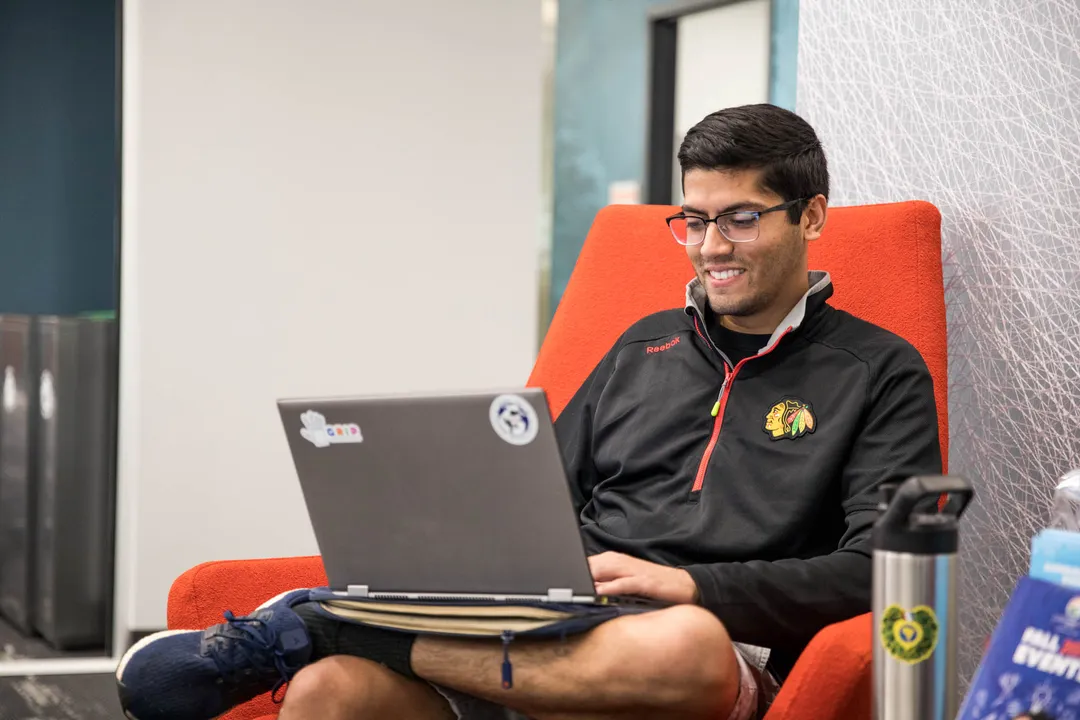
Getting the technical basics right is non-negotiable; it shows respect for the interviewer's time and reduces technical anxiety for you. Start by testing your equipment well in advance. Confirm your webcam, microphone, and internet connection are stable and functioning optimally. If you have a choice, using a headset or external microphone often provides superior audio quality compared to a laptop’s built-in mic, which can pick up room echo or background noise.
The lighting must illuminate your face clearly, ideally coming from in front of you rather than behind, which can result in a dark silhouette. Position your camera at eye level; this mimics natural face-to-face interaction and prevents the interviewer from looking down your nose, which can feel dismissive. An inexpensive stand or a stack of books can solve this height issue quickly.
Your background should be clean, uncluttered, and professional. Avoid highly distracting elements or overly personal items visible behind you. If your physical space isn't ideal, ensure any virtual background you select is professional, static, and doesn't flicker or cut off parts of your head. Furthermore, close all unnecessary applications, silence your phone, and turn off notifications on your computer. This ensures no errant pop-ups will interrupt your focus or appear on screen.
A key aspect that often goes overlooked in the digital rush is managing signal lag. Since network speed can fluctuate, practice pausing a half-second longer than you think is necessary after you finish a complete thought before the interviewer starts speaking. This small buffer prevents you from unintentionally cutting the interviewer off due to slight transmission delays, maintaining a smooth conversational rhythm [Original Insight Integration].
# Appearance Matters
While you may be tempted to dress casually from the waist down, always dress as if you were going to the office. Dressing professionally helps put you in the right mindset and prevents awkwardness if you need to stand up unexpectedly. Focus on the top half: wear colors that contrast slightly with your background, avoiding busy patterns that can cause visual distraction on camera. For men, this might mean avoiding very bright white shirts if the lighting is harsh, and for all candidates, avoiding materials that cause glare.
Beyond clothing, your posture communicates confidence and attentiveness. Sit up straight in a supportive chair, keeping your feet flat on the floor if possible. Maintain good physical separation from the camera—don't slouch so close that only your forehead fills the frame, but don't sit so far back that you appear small and disconnected.
# Mastering Presence
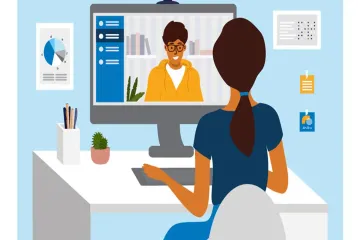
Engagement in a virtual setting requires intentional effort to compensate for the lack of physical presence. The single most critical element for establishing connection is where you look. You must train yourself to look directly into the camera lens when speaking, not at the interviewer’s image on your screen. Looking at the lens simulates direct eye contact, which builds trust and rapport. It takes practice to override the natural instinct to look at the moving face on your monitor.
When listening, it’s acceptable to glance at the screen to watch the interviewer, but always return your gaze to the camera when delivering your prepared thoughts. Nodding and using affirmative facial expressions are crucial, as non-verbal cues are harder to detect across a video link.
To prepare for the unique pressure of video interviewing, practice answering common behavioral questions while deliberately introducing a small, solvable technical glitch, like pretending your notes momentarily scattered. This type of simulated stress test builds composure for the real, unexpected hiccups that technology inevitably introduces, helping you prioritize adaptation over panic [Original Insight Integration].
Keep your answers concise yet thorough. Since the format can sometimes lead to people talking over each other, be aware of your volume and pacing. While you should sound enthusiastic, avoid overly energetic gestures that might look jerky or distracting on camera.
# Practice Rehearsal
Thorough research remains foundational whether the interview is virtual or in-person. Understand the company's mission, recent projects, and the specific requirements of the role. Preparing smart questions to ask the interviewer is equally important, demonstrating your deep interest and critical thinking.
Practice answering standard questions out loud, perhaps recording yourself to analyze your delivery, body language, and timing. Since you cannot read the room for cues like confusion or impatience, over-rehearsing your main talking points ensures clarity.
For note-taking, avoid writing down full scripts, which encourages reading and sounds unnatural. Instead, use brief bullet points placed near your monitor, but remember that reading verbatim destroys authenticity. If you are reviewing notes, make sure you are clearly looking down after you finish speaking, not while you are speaking.
Consider preparing a concise, one-minute summary of your background, often called an "elevator pitch." This is especially helpful if you face an early technical issue, as you can fall back on this well-rehearsed narrative while the connection is stabilized.
# Closing Actions
When the interview concludes, thank the interviewer for their time and express your continued interest in the position clearly. Confirm the next steps in the hiring process and ask when you can expect to hear back.
Within 24 hours, send a personalized thank-you email to everyone you spoke with. This email should reiterate your enthusiasm and briefly mention one specific topic you discussed that particularly interested you or where you felt you could add immediate value. For example, if you discussed a specific project challenge, briefly connect one of your past accomplishments to solving that challenge. This follow-up cements your professionalism and keeps you top-of-mind as you transition from the digital screen back to the hiring manager's inbox.
A comparison of preparatory focus areas highlights the shift:
| Traditional Interview Focus | Virtual Interview Addition | Supporting Source |
|---|---|---|
| Researching Company Culture | Ensuring Zero Distractions/Clean Background | |
| Practicing Answers Aloud | Testing Audio/Video Equipment Stability | |
| Professional Attire | Eye-Level Camera Positioning | |
| Confident Hand Gestures | Intentional Eye Contact with the Lens |
By controlling your environment, mastering digital body language, and ensuring your preparation accounts for the unique constraints of video conferencing, you transform a potentially awkward digital hurdle into a highly effective professional presentation.
Related Questions
#Citations
Virtual interview advice?
8 Tips for Acing Your Next Virtual Interview
4 Tips to Nail a Virtual Job Interview
6 tips that will help you ace a virtual job interview
How To Make a Good Impression in a Virtual Interview
Video interviews tips
Seven Tips for Nailing a Virtual Interview