What not to do in a virtual interview?
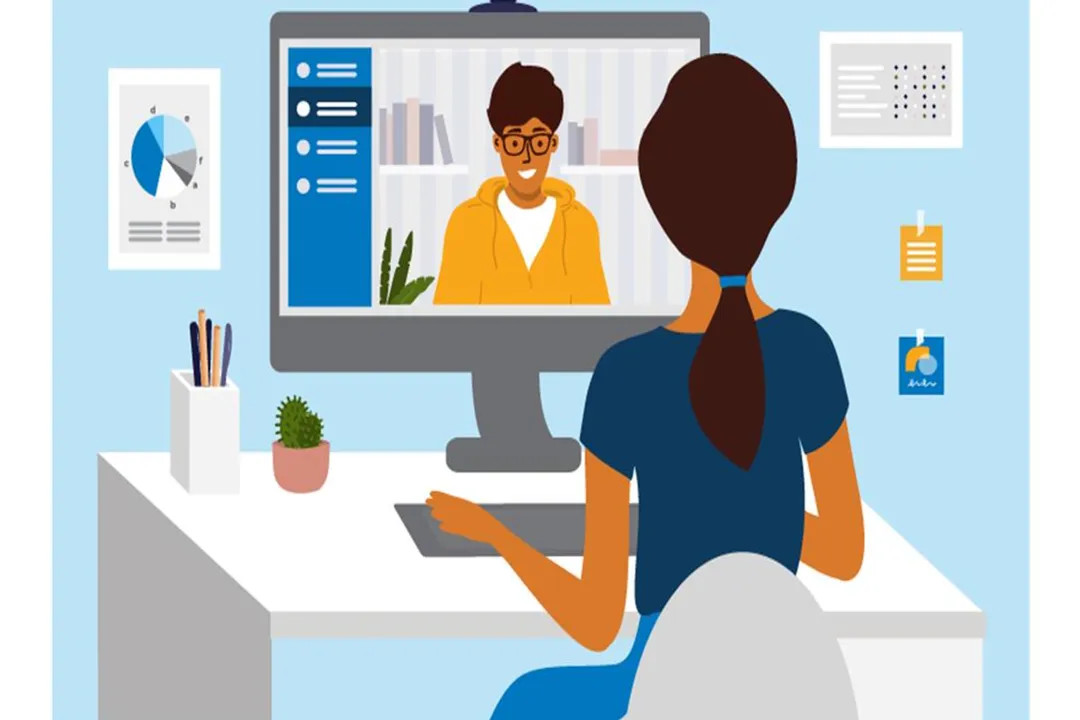
Navigating a job interview through a screen presents a unique set of challenges, often magnifying small mistakes that might pass unnoticed in person. While mastering your answers remains paramount, what you don't do—in your setup, your surroundings, and your interaction style—can decisively derail your candidacy. The modern hiring landscape heavily relies on these virtual checkpoints, making awareness of these pitfalls essential for any serious applicant.
# Technical Failures
The single largest category of preventable virtual interview errors centers on technology. Showing up unprepared for a digital interaction signals more than just a minor hiccup; it suggests a candidate might handle other aspects of the job with similar inattention to detail. You absolutely must not wait until the scheduled interview time to attempt to use the conferencing platform. Familiarize yourself with the specific software—be it Zoom, Google Meet, or another system—ahead of time. A candidate might think having a simple connection issue is merely bad luck, but when an interviewer sees a frozen screen, hears muffled audio, or experiences constant lag, the unspoken conclusion is that the candidate did not adequately prepare for a professional commitment.
Do not assume your built-in laptop microphone or webcam is sufficient. It is wise to conduct a practice call with a friend or family member using the intended platform to test both audio and video clarity beforehand. If the connection proves unstable, having a backup plan—such as a mobile hotspot ready to go—is a proactive measure that demonstrates reliability. Furthermore, ensure your digital profile aligns with professional expectations. For instance, never use a casual or novelty username for the login; use your real name or a professional variant, as this small detail contributes to the overall first impression. If technical difficulties do strike mid-call, the worst response is panicked silence or immediate blame. Instead, notify the interviewer calmly, apologize briefly, and address the issue as quickly as possible. A strong insight here is to view technical preparedness not as IT support, but as a baseline competency assessment. In any role requiring digital interaction, an inability to ensure a smooth video feed suggests potential shortcomings in managing critical infrastructure or workflows.
# Environmental Blunders
Your background speaks volumes before you even utter your opening statement. A major misstep is neglecting your setting. You must not conduct the interview in a location prone to noise or unexpected visual disruptions. If the interviewer can hear a dog barking, a washing machine cycling, or street noise bleeding through, your focus immediately shifts from your qualifications to your ability to manage your environment. Furthermore, ensure your video feed is clear of interruptions. Do not allow family members, roommates, or pets to wander into the frame—this is distracting and widely considered unprofessional.
Lighting is another crucial, often overlooked, factor. Avoid sitting with a light source behind you; this backlighting turns you into a silhouette, making it incredibly hard for the interviewer to see your facial expressions. Conversely, harsh lighting that washes out your face or casts deep shadows should also be avoided. The ideal scenario is soft, front-facing light that illuminates you clearly. If your home environment is unavoidably cluttered, utilizing a professional virtual background is a necessary alternative, provided the technology works flawlessly. However, if the backdrop is your primary concern, always aim for a tidy, neutral physical space—a plain wall is often the safest choice to ensure the interviewer’s attention remains squarely on you, not your surroundings.

# On-Screen Body Language
In a virtual setting, non-verbal cues are amplified, yet they are also easier to get wrong. A common mistake is failing to maintain proper eye contact. This means looking directly into the camera lens when speaking, not at your own image or the interviewer's image on the screen. Looking away suggests distraction, disinterest, or lack of confidence. Equally damaging is poor posture. Slouching or leaning back too far conveys disengagement; sit up straight, projecting attentiveness, even though you are not physically in the room.
One behavior to strictly avoid is fiddling with your equipment. Constantly adjusting the webcam angle or touching your face can make the experience dizzying for the viewer and suggests nervousness or distraction. If you are using a mobile device for the call, it must be secured so it cannot fall or shake. Another key area is excessive movement. While some hand gestures can be natural, fidgeting—tapping fingers, shaking a leg, or overusing large motions—is amplified on camera and can undermine an otherwise strong verbal performance. Similarly, be mindful of how you nod; while acknowledging a point is good, excessive nodding can incorrectly signal agreement with every statement made by the interviewer. Finally, under no circumstances should you consider turning off your camera. Doing so when the interview expects video participation signals a profound lack of confidence or suggests you are hiding something, creating an awkward barrier where connection is needed most.
# Conversational Pitfalls
The flow of conversation requires specific adjustments in a digital format, mainly due to latency. Do not interrupt the interviewer. Because of the slight, unavoidable delay in video calls, what sounds like an appropriate pause to you might sound like the end of your thought to them, leading to accidental speaking over one another. A critical error is failing to account for this lag; always pause briefly before jumping in with an answer or your next question. Conversely, do not panic and fill every second of silence with filler words. Allowing for brief pauses makes you appear more thoughtful and in control, rather than desperate to speak.
When answering questions, sounding too rehearsed is a real danger. While preparation is vital, delivering memorized scripts verbatim makes you sound robotic and disconnected. You should have key talking points ready, but resist the urge to read from a script or notes appearing outside the camera's view, as this is usually noticeable.
Consider the quality of your questions. Do not ask "pat" questions that seem pulled from a generic list, nor should you ask closed-ended questions that elicit only "Yes," "No," or "Maybe" answers. If you cannot think of an immediate, thorough answer to a specific question, do not guess or waffle. It is far better to admit you need time to formulate a precise answer or offer to follow up afterward than to provide a weak, rushed response.
Another common behavioral trap is negativity. Never speak poorly of your current or former employer or colleagues. This reflects poorly on your character, regardless of the circumstances that led you to leave that position. If you are between jobs, be prepared to address the situation succinctly and professionally; avoid dwelling on negative explanations or making elaborate excuses.
Here is a quick comparison to illustrate the conversational adjustments required:
| Action to Avoid (The Don't) | Action to Practice (The Do) | Why It Matters |
|---|---|---|
| Filling silences instantly | Pausing for 1-2 seconds before answering | Accounts for digital lag and projects thoughtfulness. |
| Interrupting the interviewer | Listening fully, using active listening cues like nodding | Shows respect and ensures you answer the intended question. |
| Reading from a script | Using prepared key points for conversational delivery | Maintains authenticity and connection with the interviewer. |
| Only talking about yourself | Ensuring the interaction is a two-way street by asking thoughtful questions | Demonstrates interest in the company, not just securing any job. |
An original analysis here is understanding that these conversational rules create a "digital empathy test." In a remote role, collaboration often relies on asynchronous communication (email, Slack) where timing and tone are easily misread. By observing how a candidate manages the slight time-delay of video chat, an interviewer is getting a real-time assessment of their patience, active listening skills, and ability to avoid miscommunication in a medium where immediate feedback is limited.
# Etiquette Oversights
Beyond the technical and conversational elements, basic professional courtesy must not be abandoned. You must not answer your phone during the interview—turn it completely off, not just to vibrate, to eliminate potential noise or vibrations. Similarly, silence all computer notifications, instant messages, and email alerts to prevent them from popping up on your screen or distracting you.
Furthermore, do not prematurely decide the interview is going poorly and check out. Do not end the conversation abruptly if you feel you missed something important. Instead, summarize what you have learned and seek clarification on any remaining points before concluding the session.
Finally, the interview process is not over when the screen goes black. A common but critical error is neglecting the follow-up. Do not forget to send a personalized thank-you email within 24 hours of the meeting. This note should specifically reference a topic discussed, reinforcing that you were present, listening, and engaged, and reaffirming your enthusiasm for the specific opportunity. A handwritten note can sometimes stand out, but a timely, thoughtful email is standard and expected. Failing to send this message leaves your professionalism and interest unconfirmed in the interviewer’s mind. By avoiding these common pitfalls, you shift the focus back to your qualifications, ensuring your next virtual interview becomes a true showcase of your potential.
#Videos
Biggest Mistakes to Avoid in Virtual Interviews! - YouTube
Related Questions
#Citations
The Dos and Don'ts of Virtual Interviewing
7 Things You Should NOT Do During A Virtual Interview
Would it be considered unprofessional to do a virtual interview from ...
Biggest Mistakes to Avoid in Virtual Interviews! - YouTube
Common Mistakes to Avoid in a Video Interview - Teleprompter.com
Virtual Interview Etiquette: Do's and Don'ts for Success on Screen
Do's and Don'ts for Virtual Interviews Success Tips | SynergisticIT